vids.cc

Add vids.cc to your share menu

iPhone and iPad

Add Apple Shortcut

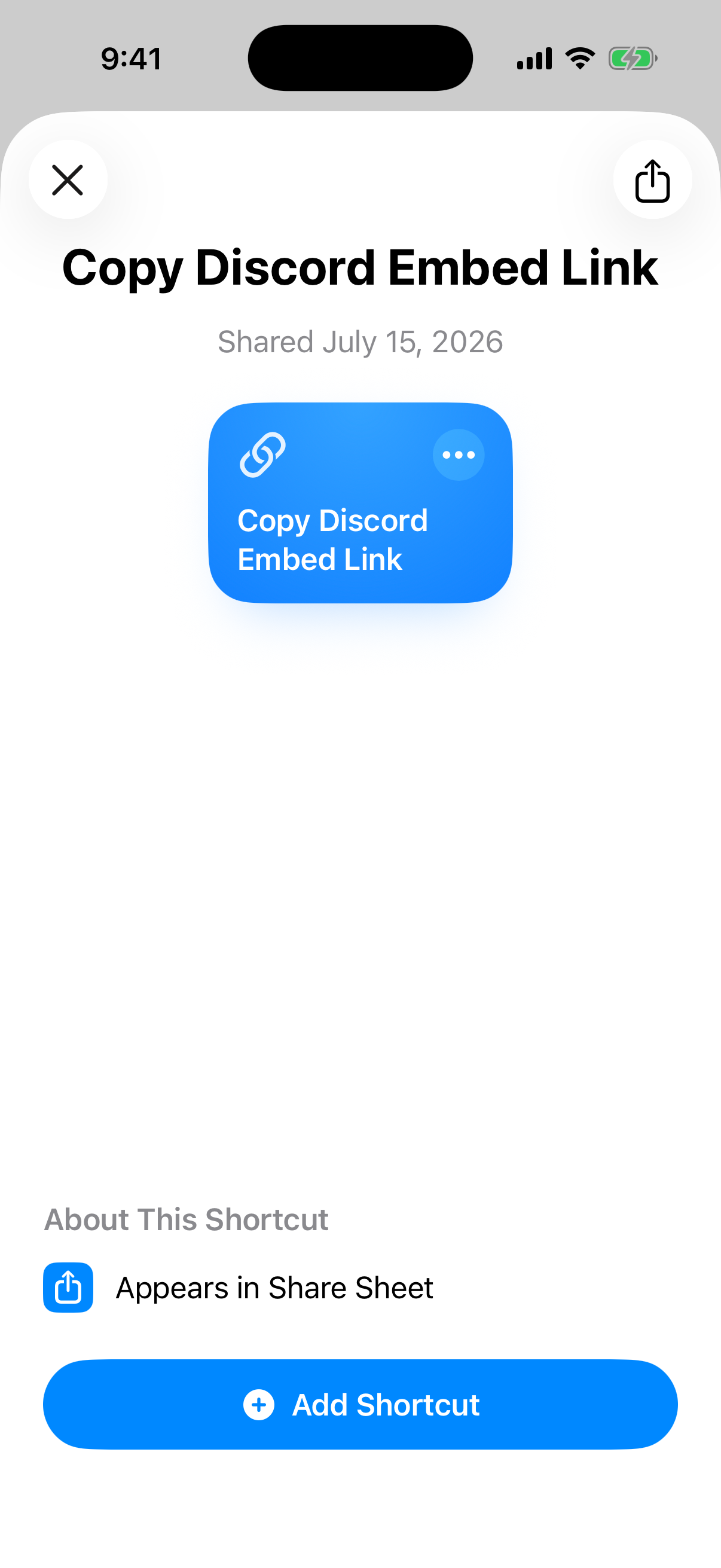
  1. Add the shortcut.

    Apple Shortcuts install screen
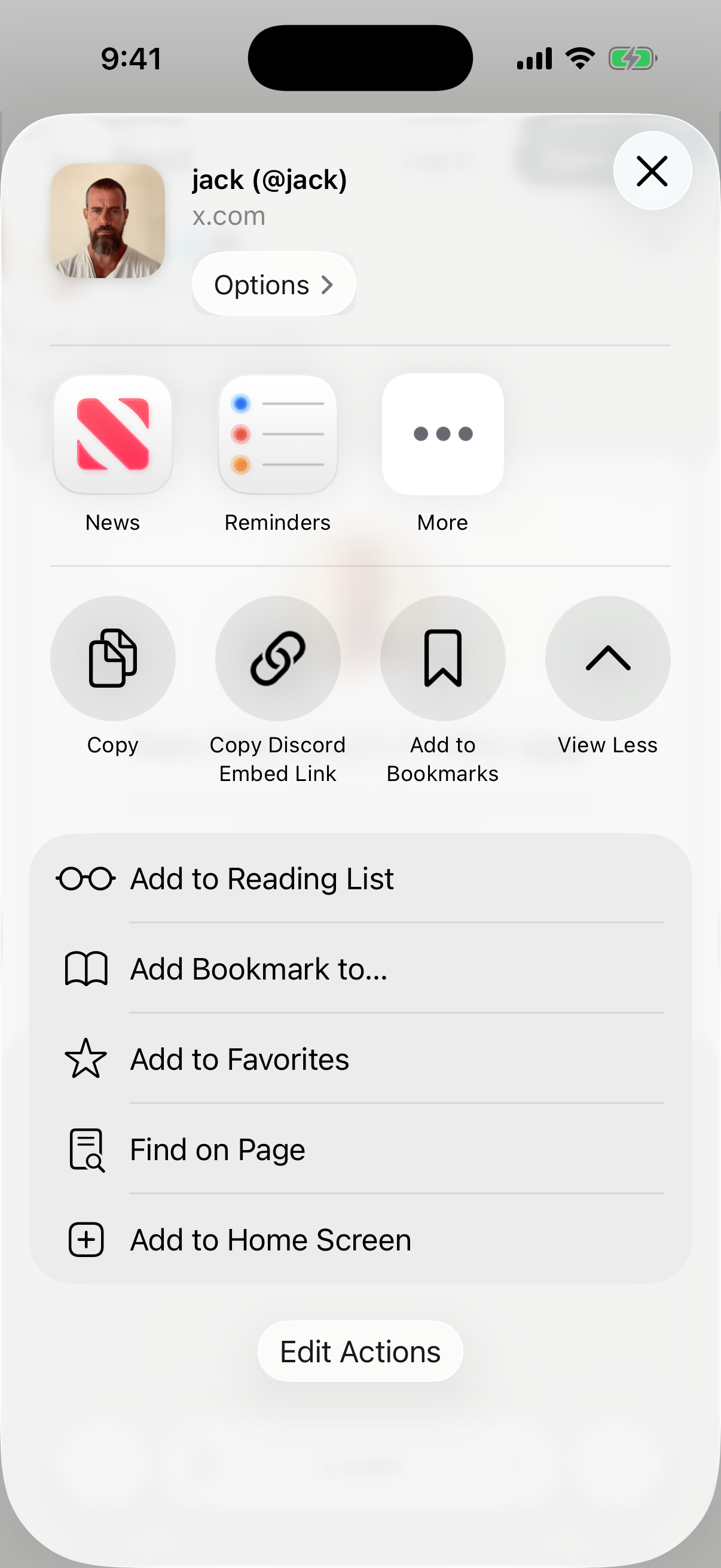
  2. Open https://x.com/jack/status/20, tap Share, View More, Edit Actions, then the + next to Copy Discord Embed Link.
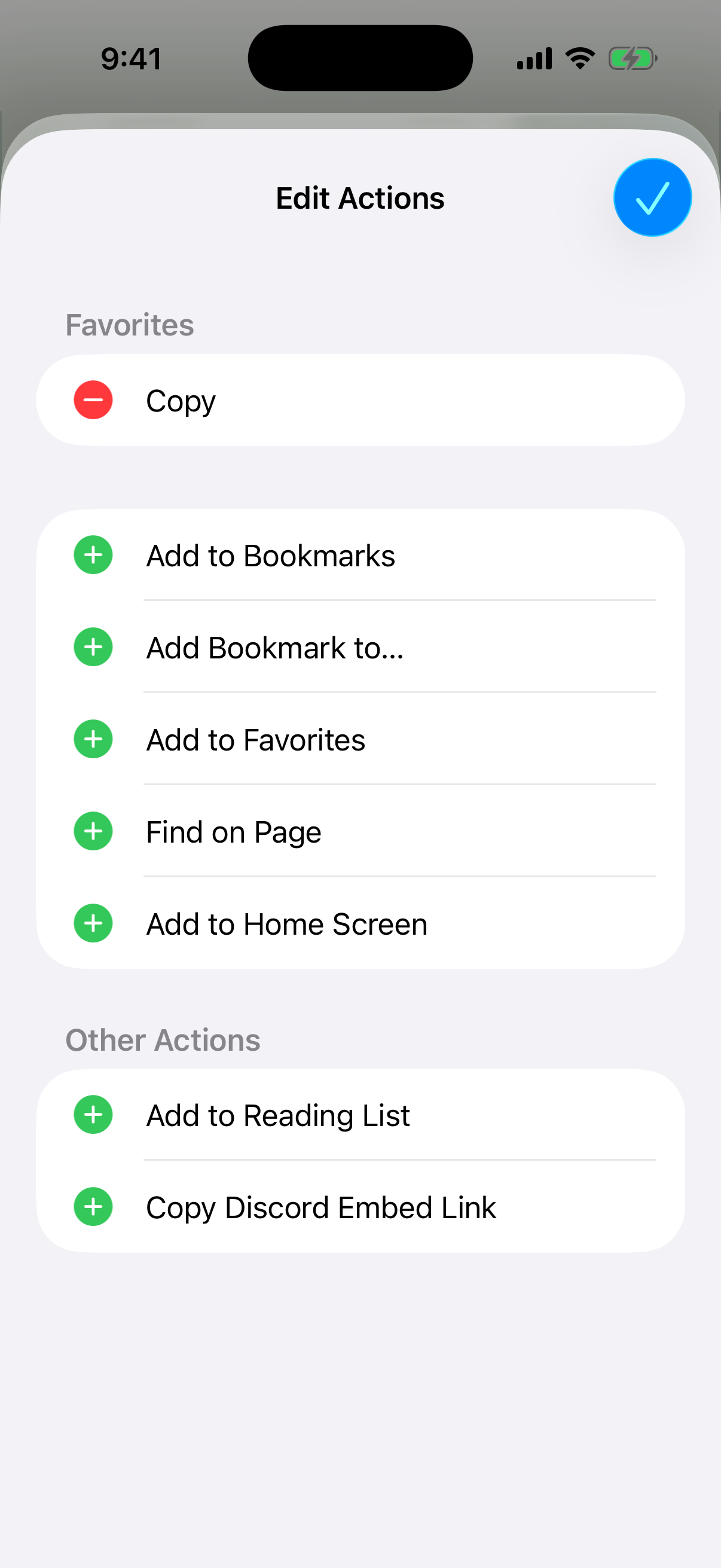
    Add Copy Discord Embed Link to Share Sheet favorites
  3. Tap Copy Discord Embed Link.

    Pinned Copy Discord Embed Link action in the iPhone Share Sheet
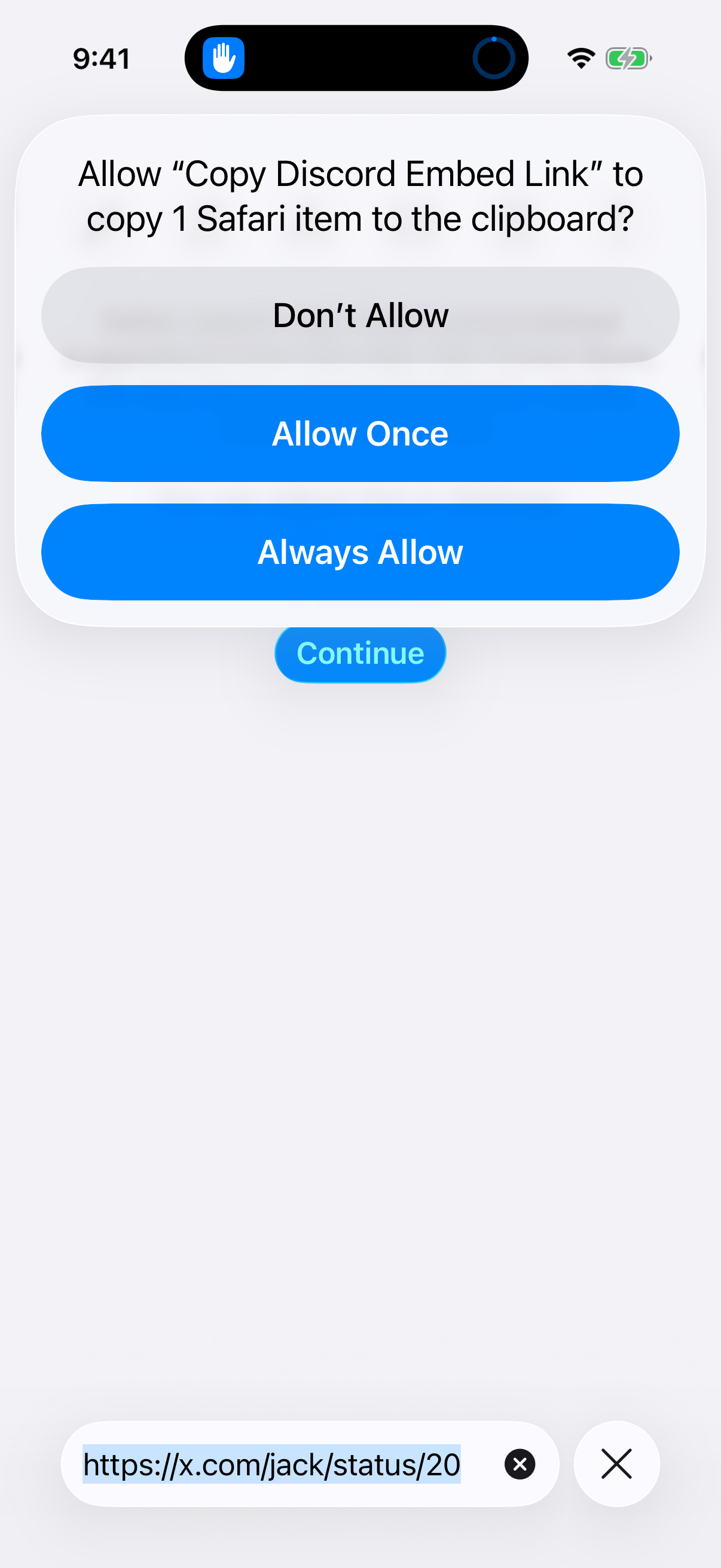
  4. Tap Always Allow on first use.

    Allow the Shortcut to copy the new link
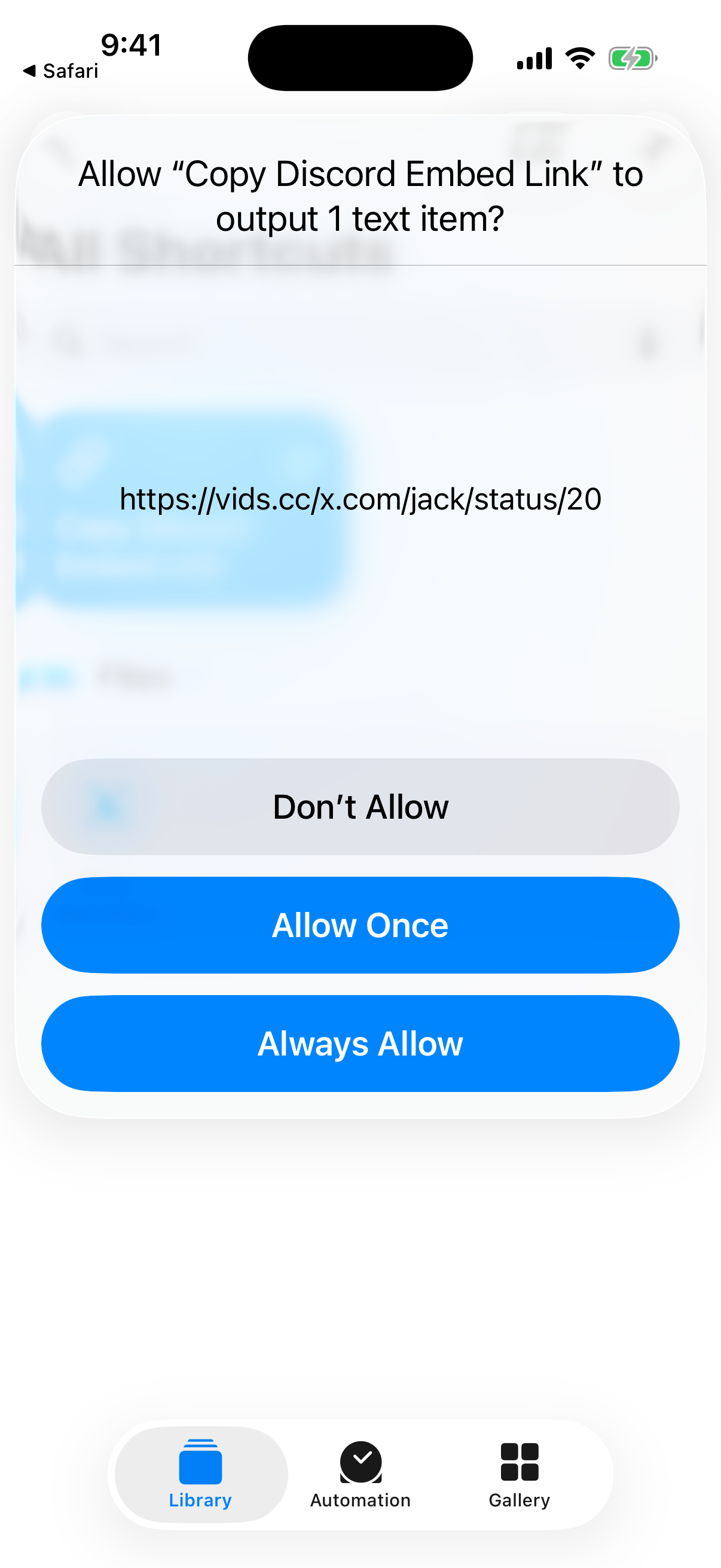
  5. Paste the copied link.

    Copied vids.cc link on iPhone

Android

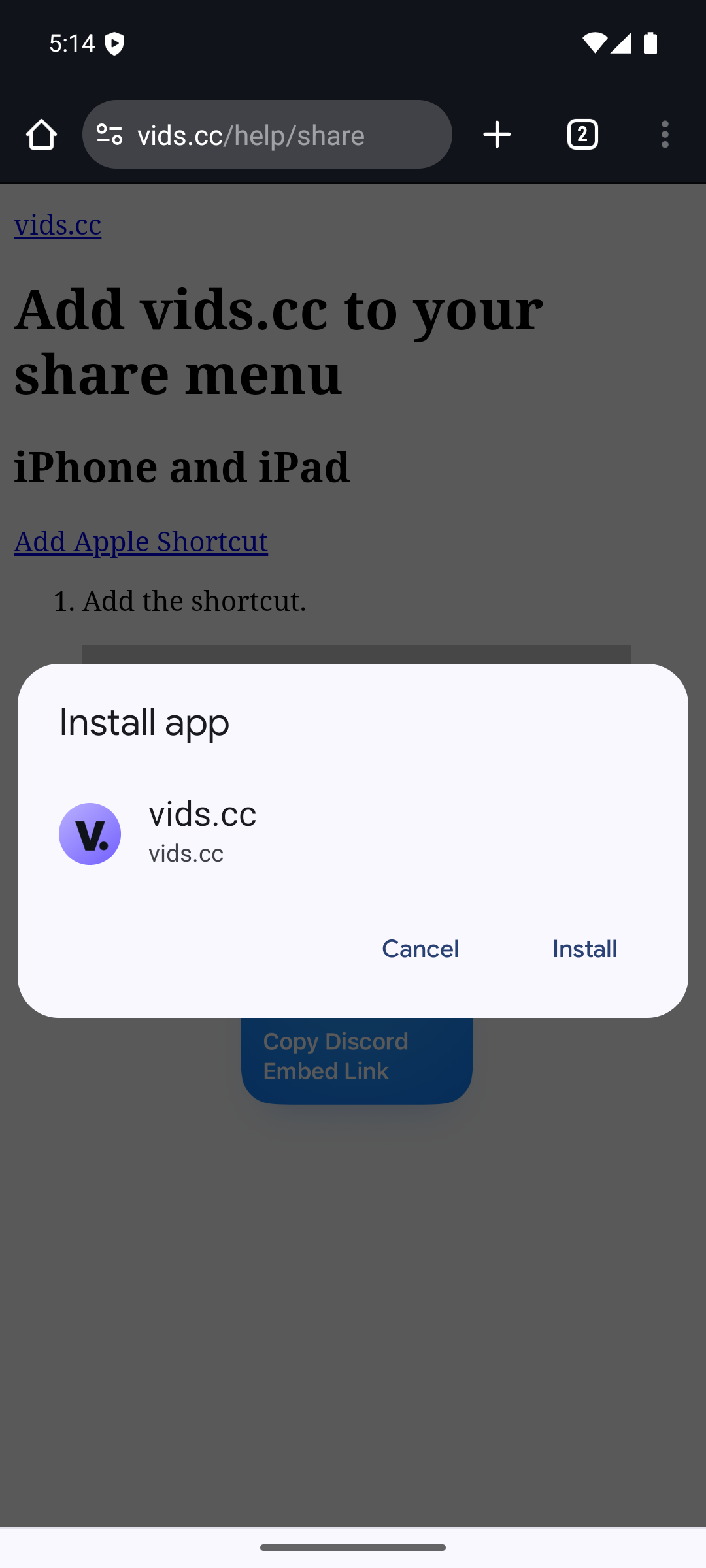
  1. Install vids.cc from Chrome.

    Android install prompt for vids.cc
  2. Open https://x.com/jack/status/20, tap Share, tap vids.cc, then copy or share the link.

    vids.cc share result on Android